
Take better control of your identity. Start for free today.
- Monthly privacy scans to find and help remove your personal info from covered people finder sites
- Identity theft monitoring, alerts and dark web surveillance
- Fraud resolution and up to $1 million ID theft insurance※
- Easily lock and unlock your credit file with Experian CreditLock
†IMPORTANT INFORMATION
A credit card is required to start your free 7-day trial membership‡ in Experian IdentityWorksSM Plus or Experian IdentityWorksSM Premium. You may cancel your trial membership at any time within 7 days without charge. If you decide not to cancel, your membership will continue and you will be billed $24.99 each month for Experian IdentityWorksSM Premium.
Protect your personal info
Check to see if your phone number, email and address are exposed online—which could put you at risk for identity theft, hacking and robocalls.
We can help protect you with monthly web scans and removals of your personal info.

When we know, you know
With 360° monitoring and alerts
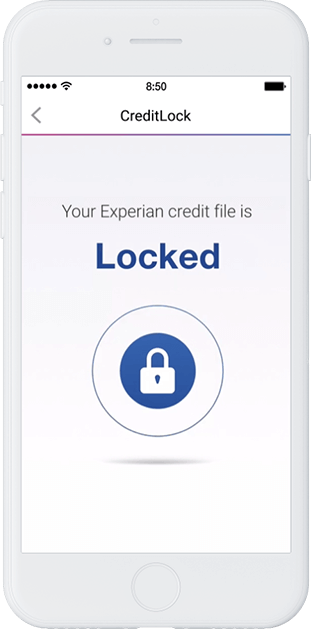
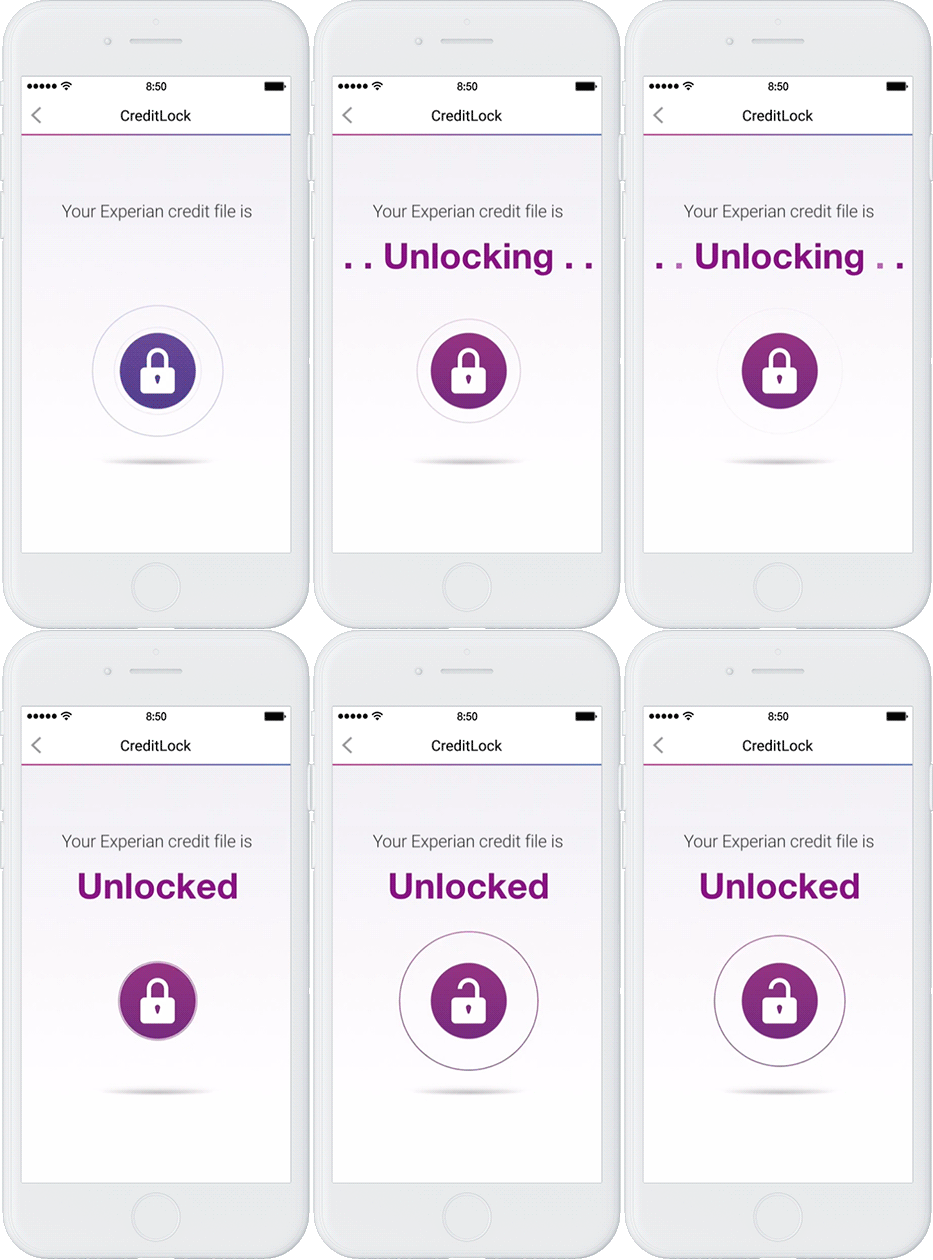
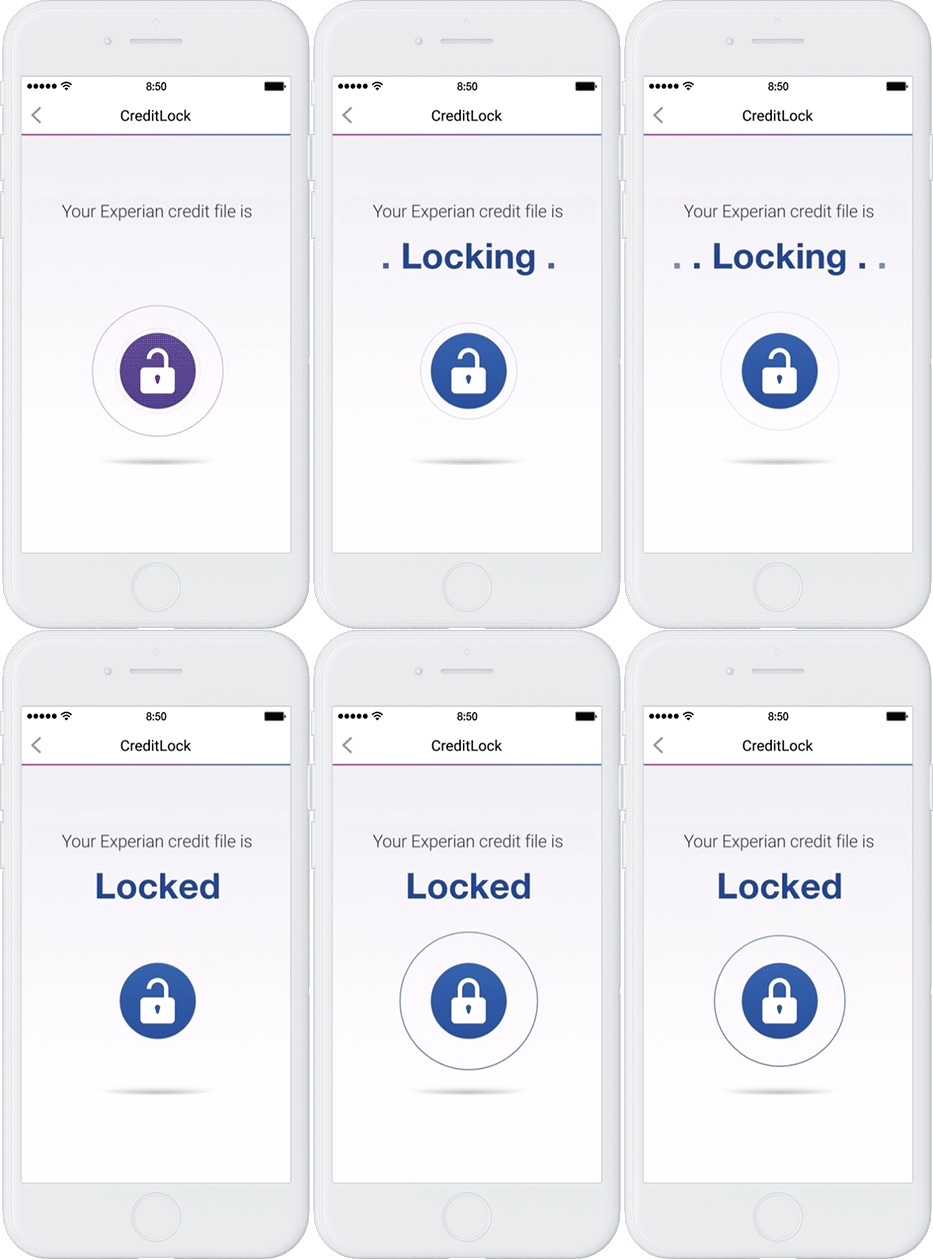
Control at your fingertips
With Experian CreditLock
- Lock your Experian credit file to protect against identity theft
- Unauthorized access to your credit file is blocked
- Real-time alerts if anyone applies for credit in your name
- Easily lock and unlock your Experian credit file anytime
Experian CreditLock is a separate service from Security Freeze. Learn more about the differences between CreditLock and Security Freeze.

Explore identity protection plans
Recommended articles
Learn about fraud and identity theft with our helpful resources.



‡Monitoring with Experian begins within 48 hours of enrollment in your trial. Monitoring with Equifax® and TransUnion® takes approximately 4 days to begin, though in some cases cannot be initiated during your trial period. You may cancel your trial membership in IdentityWorksSM any time within 7 days of enrollment without charge.
※Identity Theft Insurance underwritten by insurance company subsidiaries or affiliates of American International Group, Inc. (AIG). The description herein is a summary and intended for informational purposes only and does not include all terms, conditions and exclusions of the policies described. Please refer to the actual policies for terms, conditions, and exclusions of coverage. Coverage may not be available in all jurisdictions. Review the Summary of Benefits for Experian IdentityWorksSM Premium or Experian IdentityWorksSM Plus.